Service 04
Back-office support services
Morvix handles the administrative work behind your business, such as data entry, record maintenance, CRM updates, scheduling assistance and coordination, using documented workflows, controlled access and agreed quality checks.
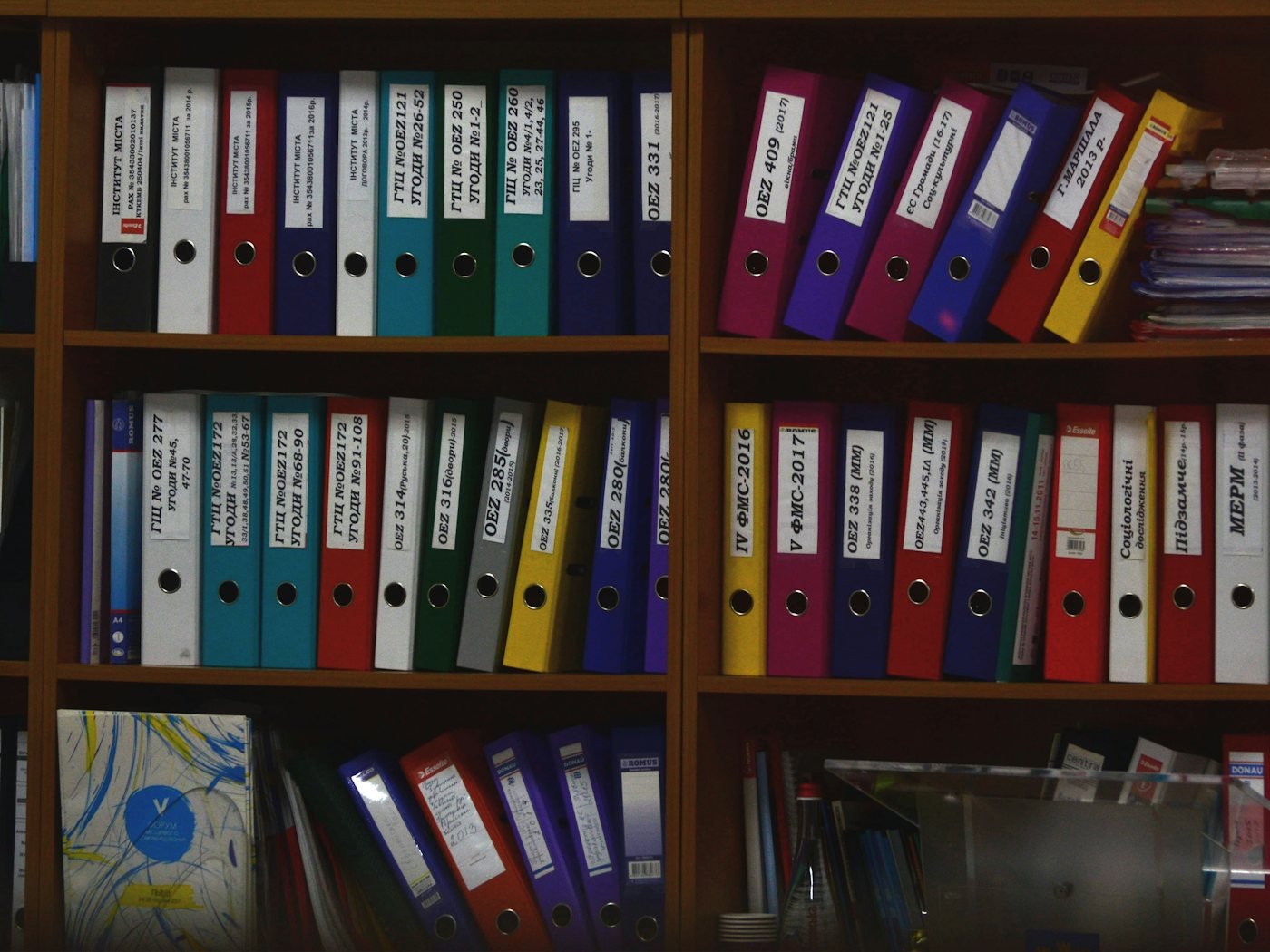
What is back-office support?
01What it includes
Why administrative work matters more than it looks.
Admin rarely causes a crisis on its own. It causes slow, compounding friction: a CRM nobody trusts, a schedule that needs checking twice, invoices or job records that lag behind the work, and skilled people spending their afternoons on data entry.
Back-office support addresses that by moving well-defined administrative workflows to a team whose job is to complete them accurately and on time, and to tell you when something does not fit the procedure.
02Supported administrative workflows
Examples of work we can take on.
| Aspect | Typical tasks | What you define |
|---|---|---|
| Data entry | Entering information from forms, emails or documents into your systems | Source, destination fields, formatting rules |
| Record maintenance | Updating, de-duplicating and correcting customer, supplier or job records | Which records, what “correct” looks like |
| CRM updates | Logging activity, updating stages and keeping contact data clean | Your CRM conventions and required fields |
| Scheduling assistance | Booking, confirming and adjusting appointments and internal schedules | Calendars, rules and priorities |
| Documentation | Preparing standard documents, organising files and updating trackers | Templates, naming and storage locations |
| Admin coordination | Following up on routine internal requests and keeping tasks moving | Who to contact and when to escalate |
03Workflow setup
Six decisions made before any work starts.
- 01
Define the scope
We list the workflows to be handled, their volume and frequency, and what is explicitly out of scope.
- 02
Document the procedure
Each workflow is written as clear steps with examples, using your existing documentation where it exists.
- 03
Set access permissions
Accounts are created in your systems with only the access each task needs. You control and can revoke access at any time.
- 04
Agree data handling
We agree which data is involved, where it may be stored and worked on, and that it stays in your approved systems.
- 05
Define quality checks
We agree how work is checked, what counts as an error, and how exceptions are raised.
- 06
Run, review, refine
Work starts, results are reported, and procedures are updated as edge cases appear.
04Quality and reporting
Checked work, visible results.
Quality checks and reporting are part of the workflow, not an afterthought.
- Quality checks
- Agreed per workflow. Common methods:
- Reviewing a sample of completed work
- Checklists for multi-step tasks
- Validation against source documents
- An exceptions log for anything outside the procedure
- Reporting
- Volumes completed, turnaround, open items and exceptions, shared on a cadence you choose.
- Documentation
- Procedures are updated as new situations arise, so the way work is done stays written down and reviewable by you.
05Who can benefit
Businesses where admin is slowing everything else.
- Service businesses whose managers spend hours each week updating records and schedules.
- Sales teams whose CRM data is incomplete or out of date.
- Growing companies whose processes live in one person’s head and need writing down.
- Businesses running appointment setting or lead generation that need records kept accurate behind it.
Related: insurance admin support and real estate admin support.
06FAQ
Back-office support questions
What is back-office support?
Back-office support is the administrative work that keeps a business running but does not involve serving customers directly: data entry, record keeping, CRM updates, scheduling coordination, documentation and similar tasks. Outsourced back-office support means a provider carries out defined parts of that work to an agreed standard.
Which administrative tasks can be outsourced?
Tasks that are repeatable, can be written as steps and can be checked are the best candidates. Examples include data entry, updating CRM and customer records, maintaining spreadsheets and trackers, preparing standard documents, scheduling assistance and administrative coordination between teams. The exact scope is agreed with each client.
How are workflows and quality checks established?
Each workflow is documented as a procedure before work begins, with examples of correct output. Quality checks are agreed at the same time: for example, reviewing a sample of completed records, using checklists for multi-step tasks, and logging exceptions for your decision rather than guessing.
How is access to our systems and data handled?
Access is set up in your systems, limited to what each task requires, and controlled by you. We agree in advance which data is involved and where it can be worked on. If your work is subject to specific regulatory or contractual requirements, tell us during discovery so we can assess whether we are the right fit before any access is given.
How is back-office support different from virtual staffing?
Back-office support is organised around defined workflows completed to a documented standard. Virtual staffing provides a dedicated person whose daily priorities you direct across a broader set of responsibilities. Some businesses use both.
Next step
Tell us which admin is falling behind.
In a 30-minute call we will look at the workflows involved, the systems you use and what a reliable handover would need.